Assigned work
Open the schedule, scope, and completion steps that apply to the task in front of you.

For field crews
Use a mobile workflow for assigned work, completion stages, job-site notes, photos, GPS, and quality-control feedback while working in the field.
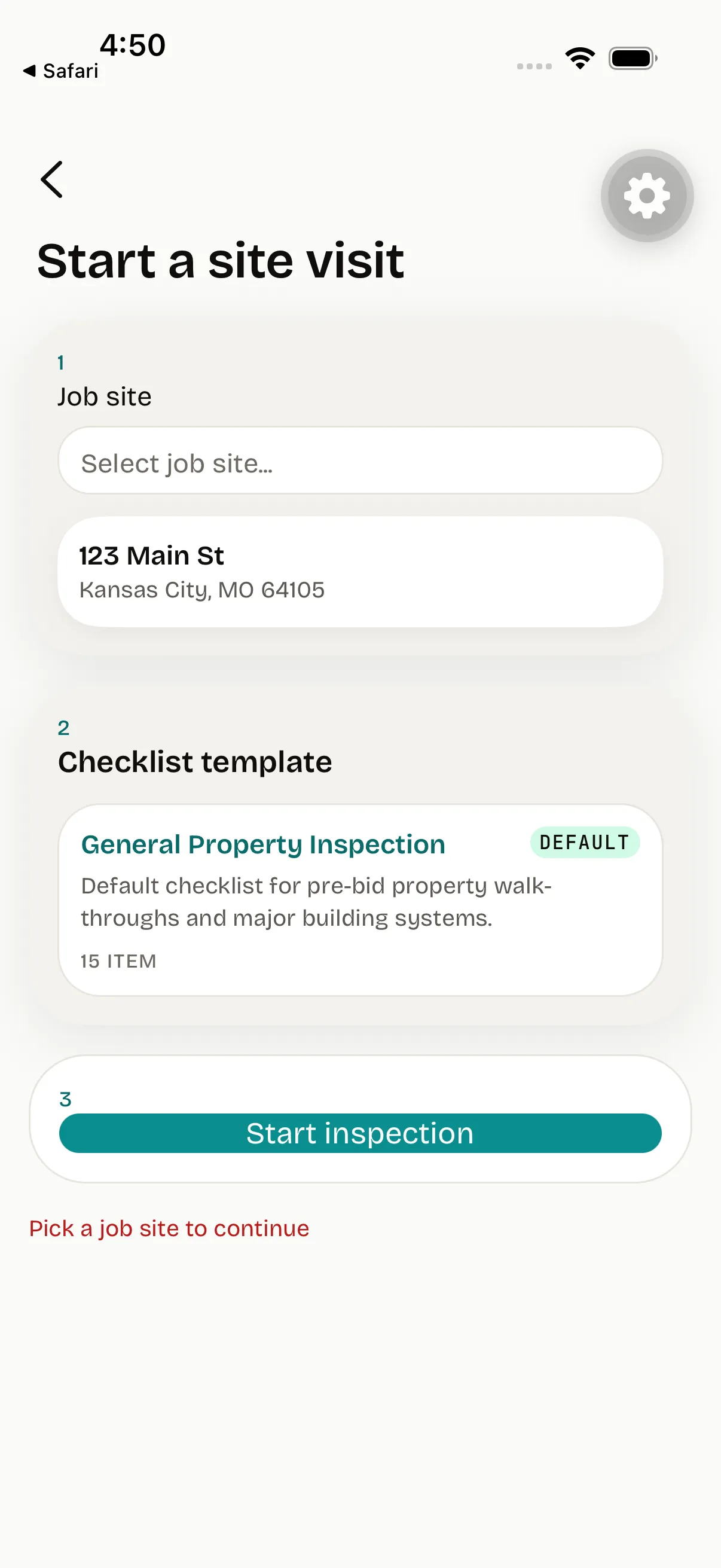
Field teams can work from scoped assignments and capture the evidence the office needs without separating it from the project record.
Open the schedule, scope, and completion steps that apply to the task in front of you.
Add notes, photos, GPS, and progress details from the job site, including in limited-connectivity conditions.
Review quality feedback and annotated rework details so the work can be completed with context.
Next in the lifecycle
Follow the job record across estimating, field execution, financial context, and role-aware access instead of treating one role’s workflow as an isolated system.